Plandy features

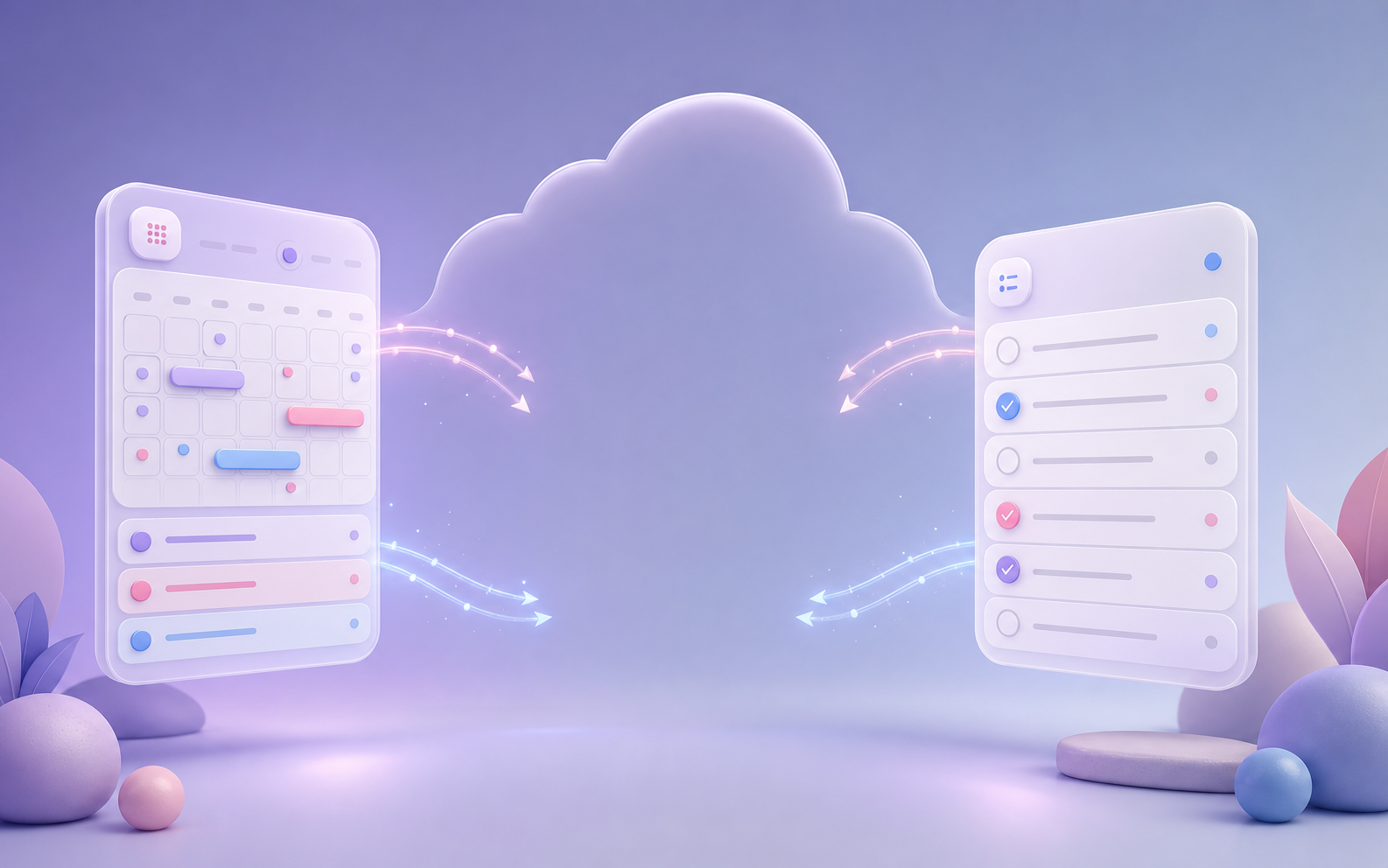
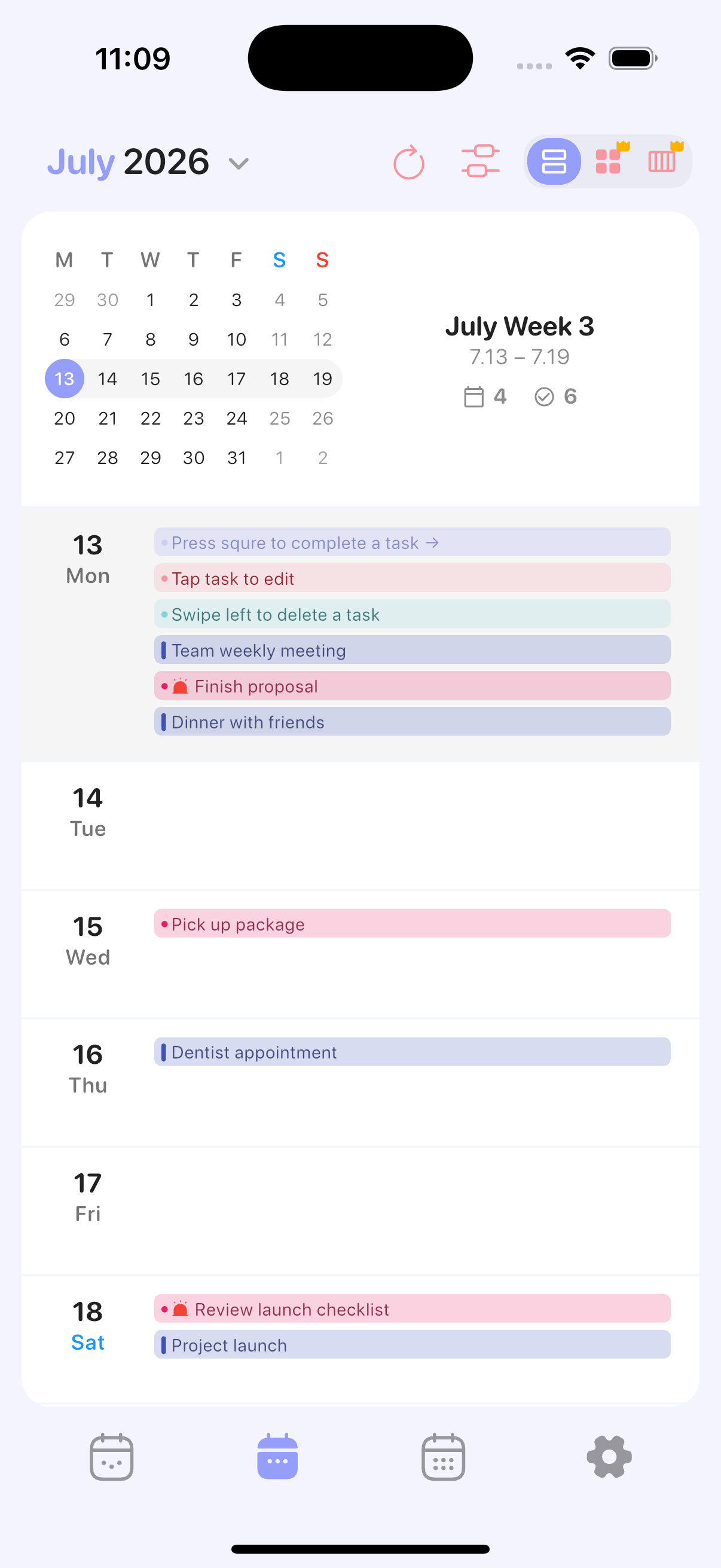
Plandy syncs your Apple Calendar and Reminders through iCloud and shows them in one day, week, and month view. Here's a closer look at what it does.

Apple Calendar & Reminders sync via iCloud

Plandy doesn't store your data on its own servers. It connects directly to your iPhone's built-in Calendar and Reminders and reads and writes the same data, so with iCloud turned on, everything syncs automatically across iPhone, iPad, and Mac.

No new account, no migrating your existing events — keep everything exactly where it is, just easier to see.
Reminders & to-dos

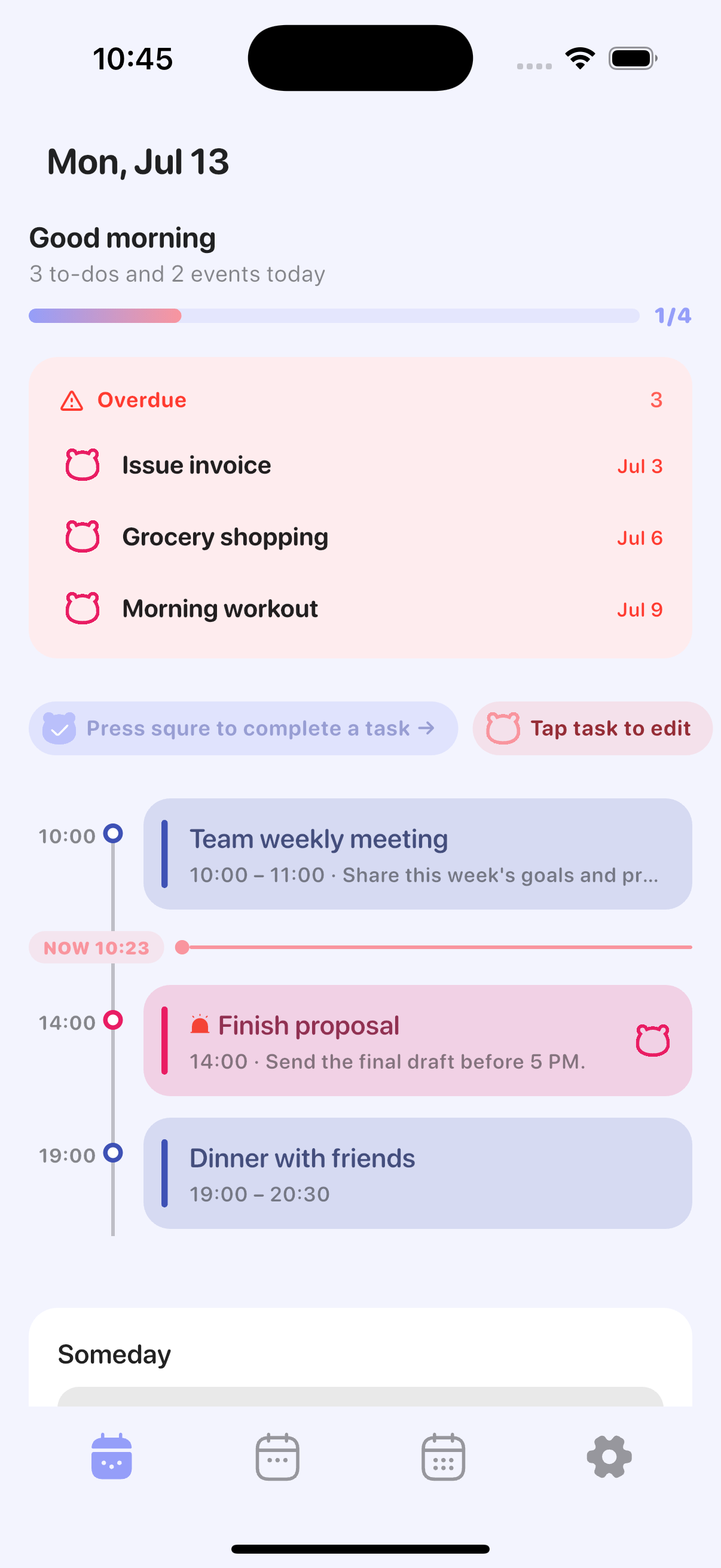
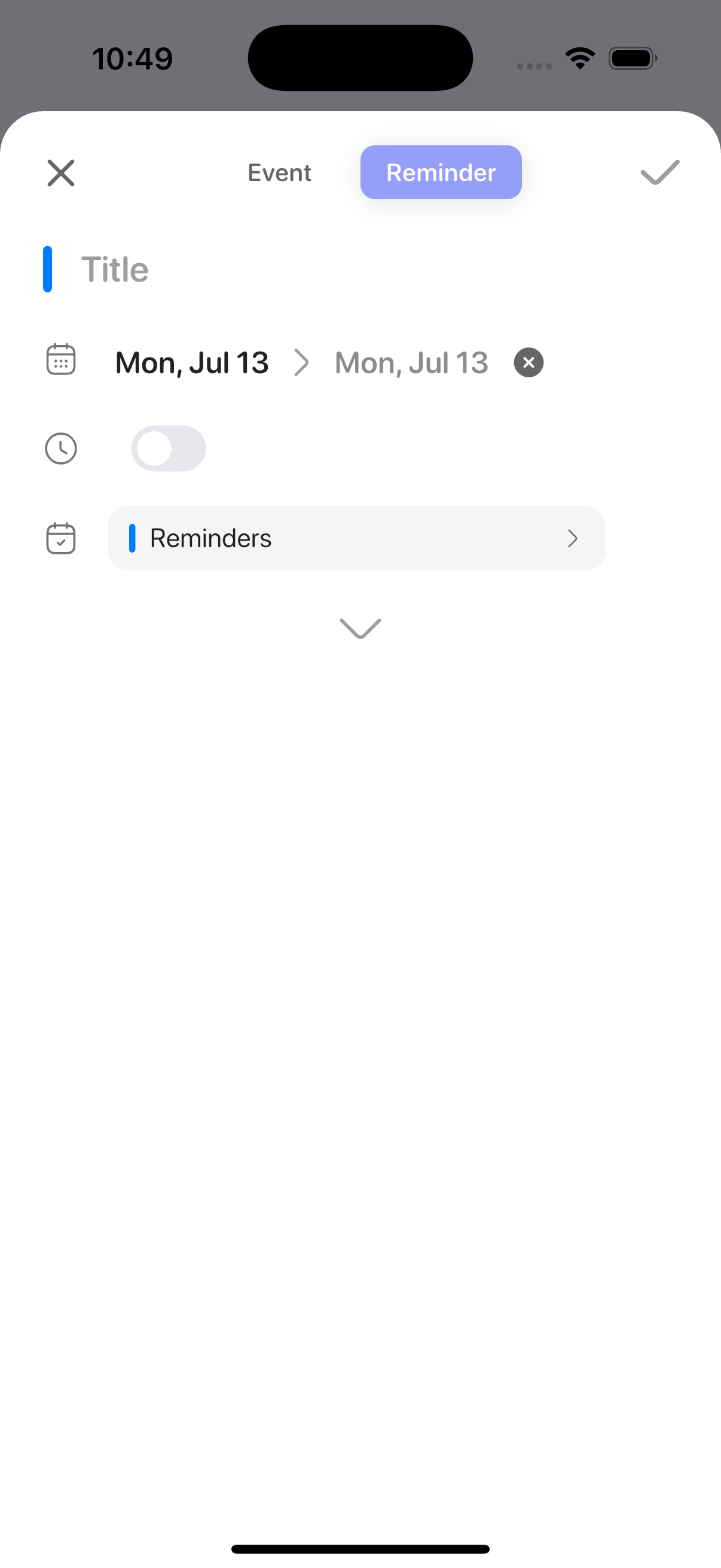
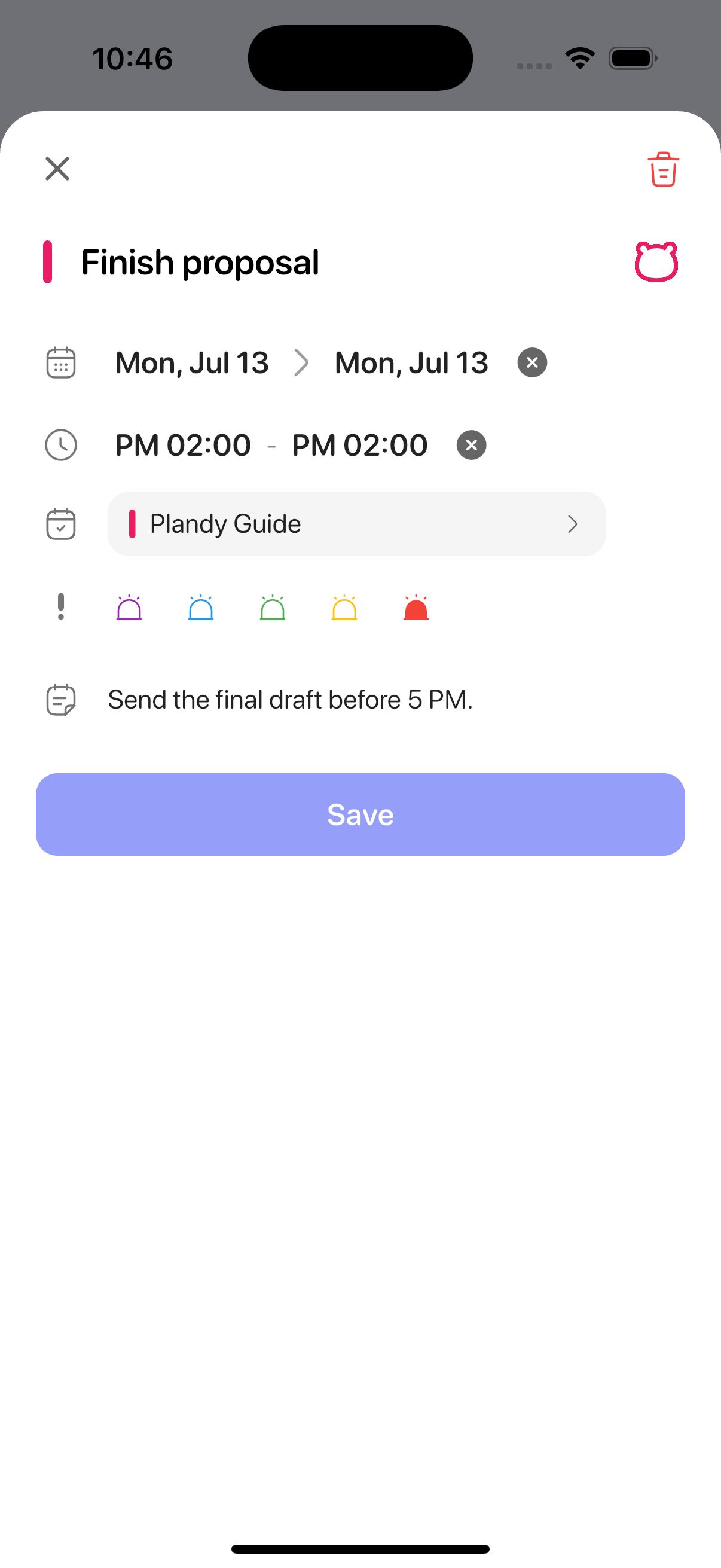
Add to-dos as reminders and set times, priorities, lists, notes, and URLs. Great for shopping lists and recurring tasks organized by list.

Everything you create here syncs straight to Apple's built-in Reminders app.

Events, recurrence & alerts

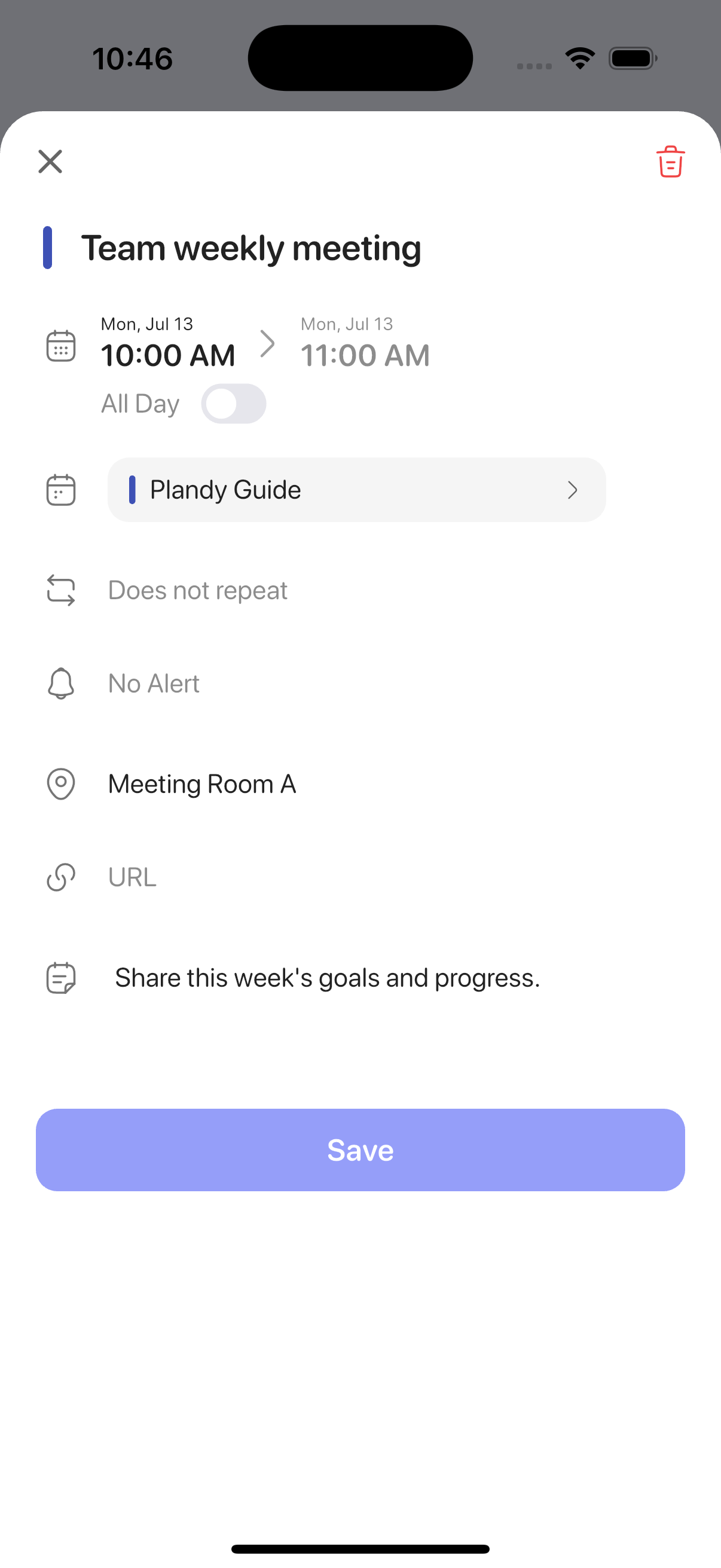
Add events and set recurrence rules, alerts, location, URL, attendees, and notes. You can also choose which calendar (account) to save to.

Repeating meetings and monthly bills only need to be set up once.

Day, week & month views

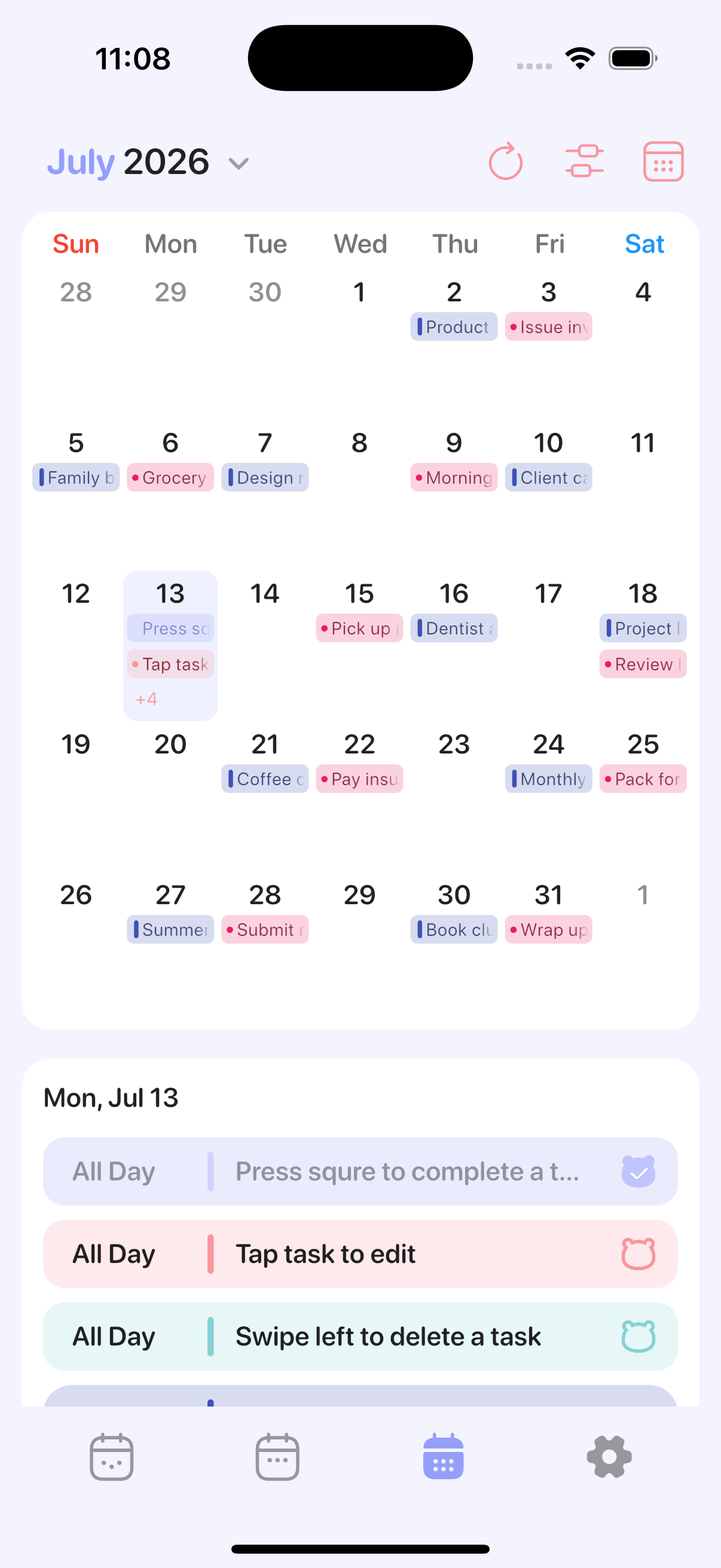
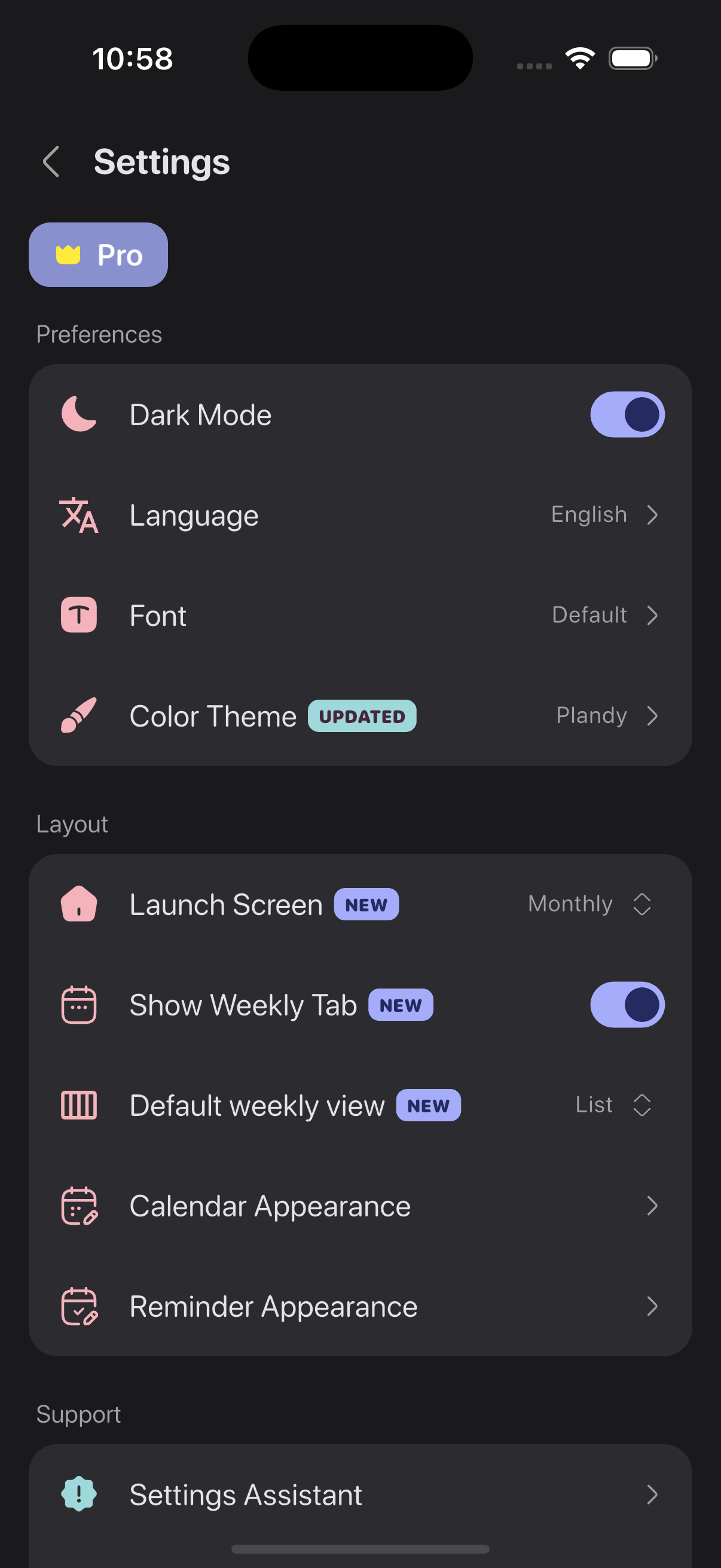
See your events and to-dos by day, week, or month. Switch views freely and choose which one appears when you open the app.

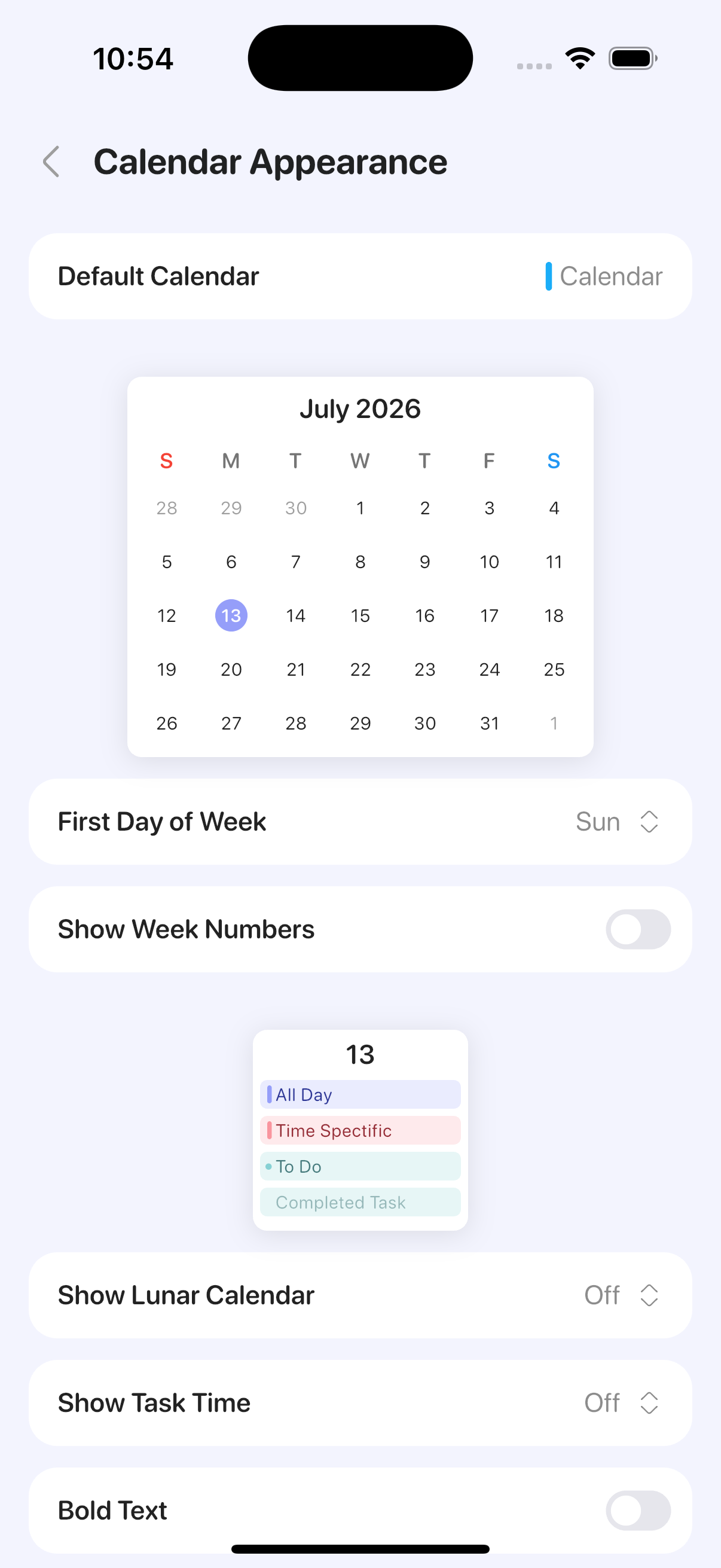
Lunar calendar display and other regional options are available too.

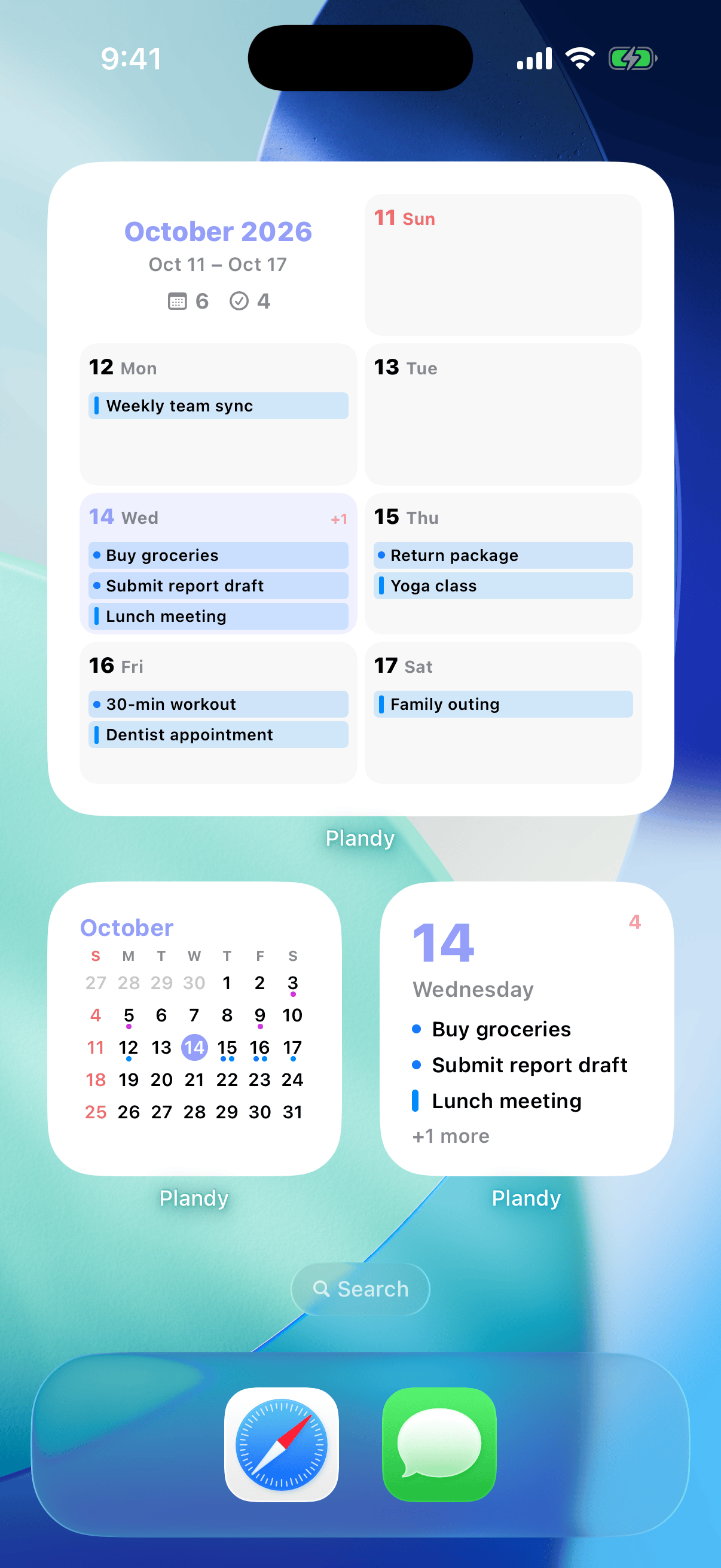
Home screen widgets

Check today's events and to-dos from home screen and lock screen widgets without opening the app — a fast way to see your day at a glance.

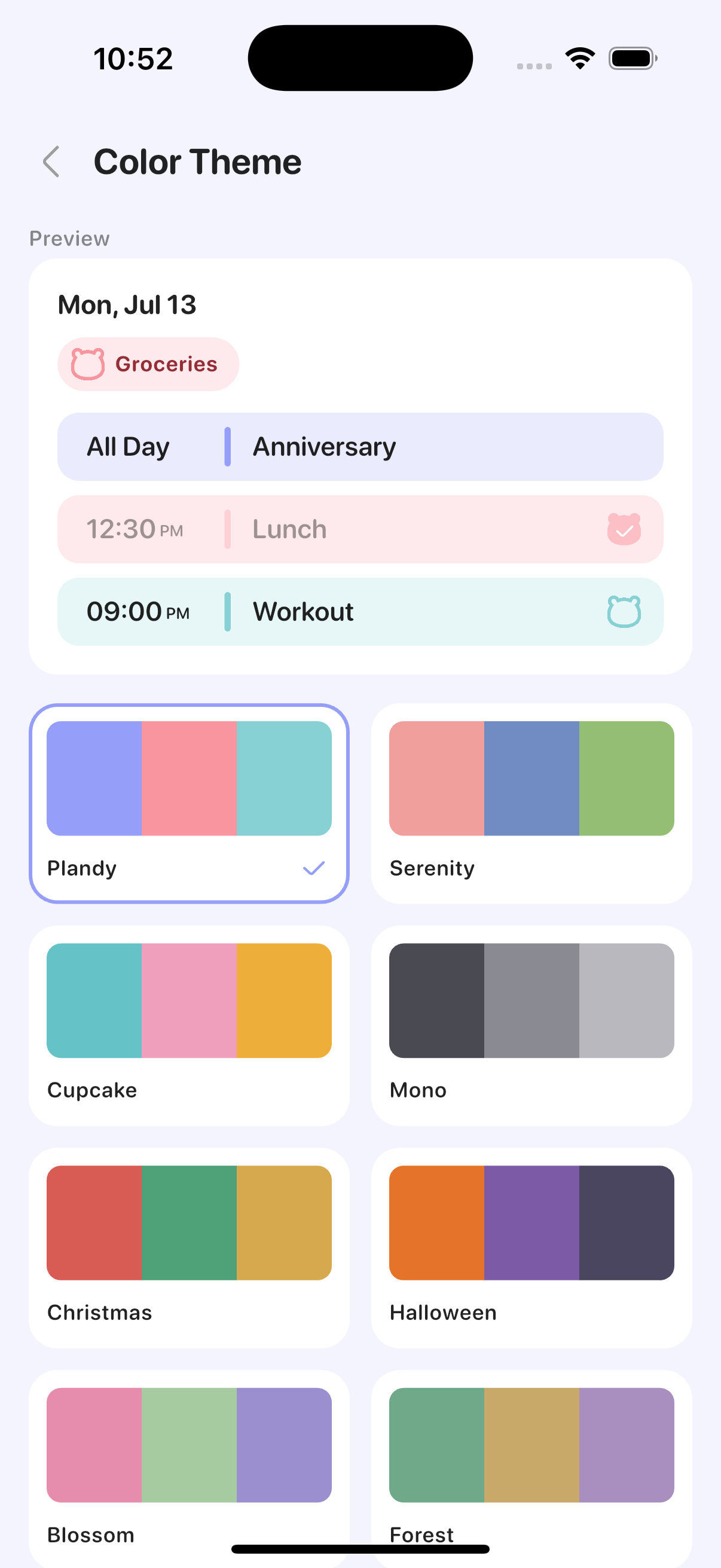
Themes, dark mode & display settings

Change color themes, a monochrome theme, dark mode, and fonts to your taste. You can also customize how calendars and reminders are displayed to build the view that works for you.

Reminders and Calendar, on one screenTry Plandy free on the App Store