Apple Reminders and Calendar, on one screen
Plandy brings your Apple Calendar and Reminders together through iCloud — see everything in one day, week, and month view.
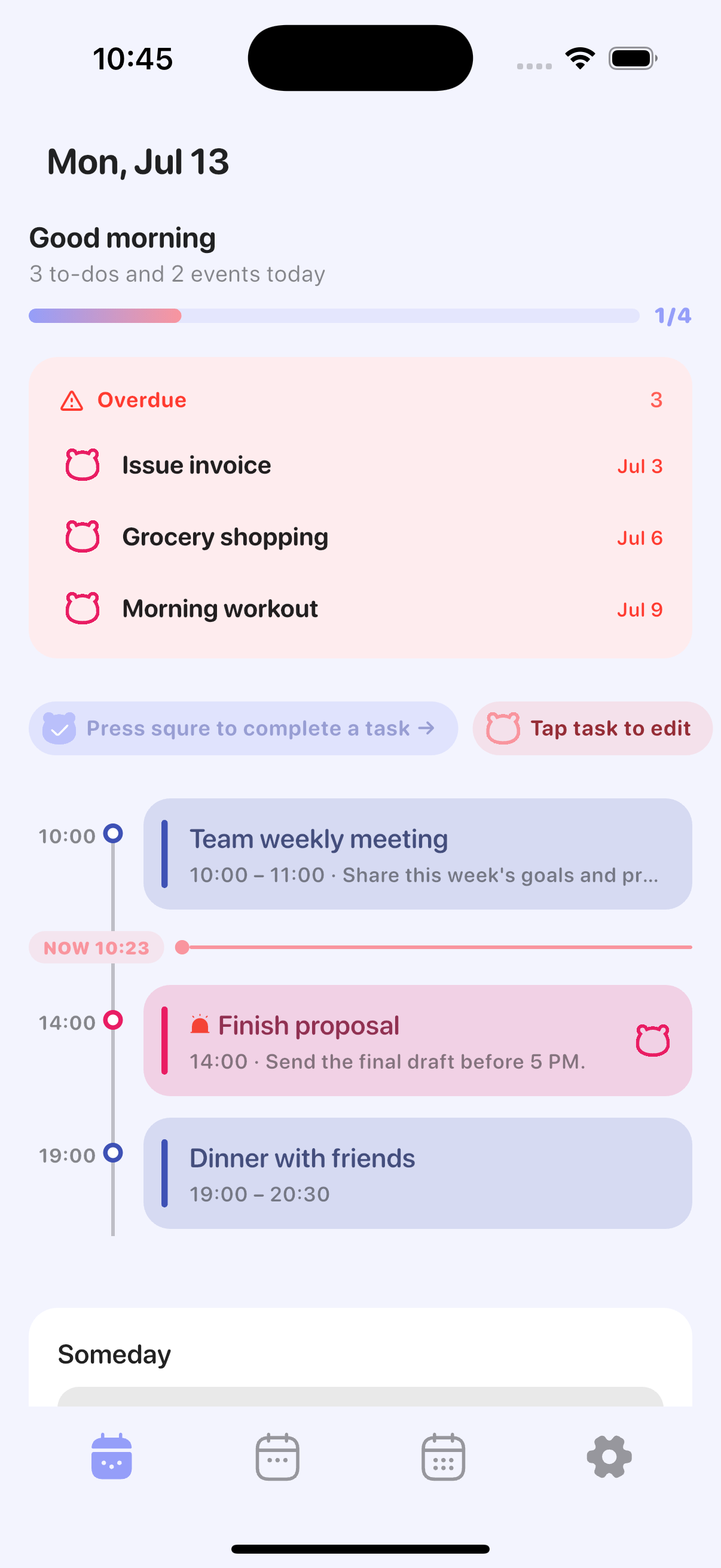
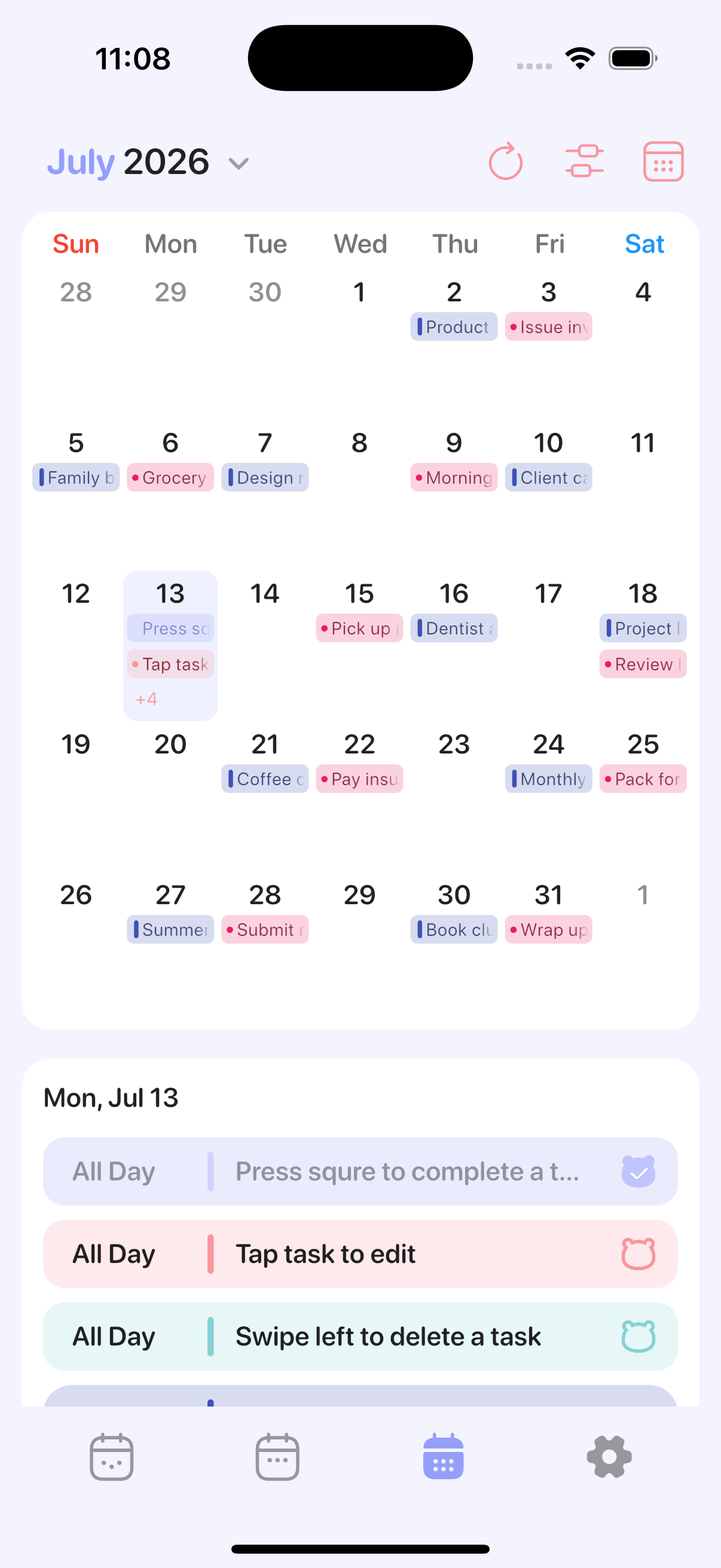
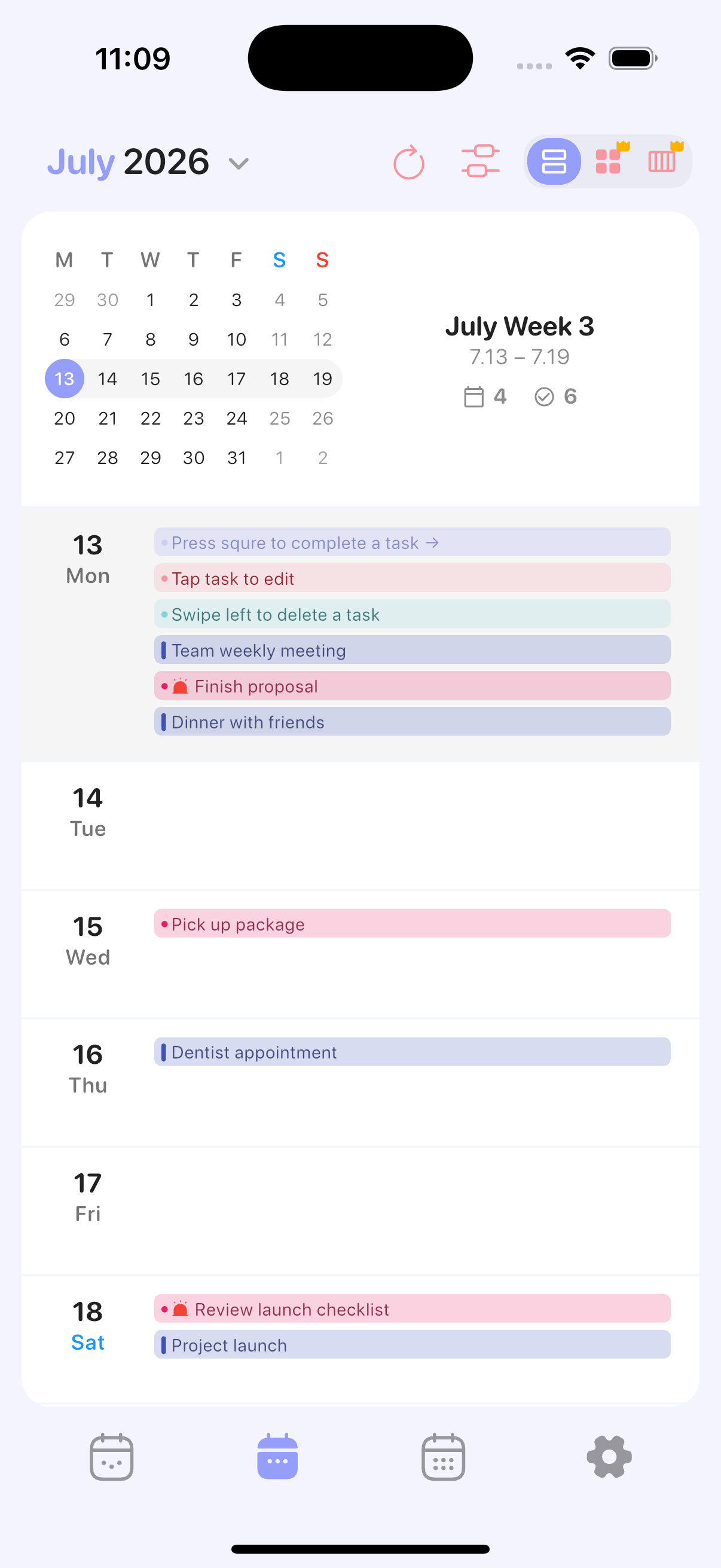
A better way to use what's already on your iPhone
No new account, no migration. Plandy works directly with your Apple Calendar and Reminders.
Reminders, organized
Manage your Apple Reminders with lists, priorities, and times. Perfect for recurring to-dos and quick captures.
iCloud sync, built in
Nothing is locked in a separate cloud. Your data stays in Apple Calendar and Reminders and syncs across iPhone, iPad, and Mac.
Day, week & month views
See events and reminders together at any zoom level, and plan your time the way you think.
Everything you need, nothing you don't
Plandy helps you get more out of Apple's built-in apps — without complicated setup.
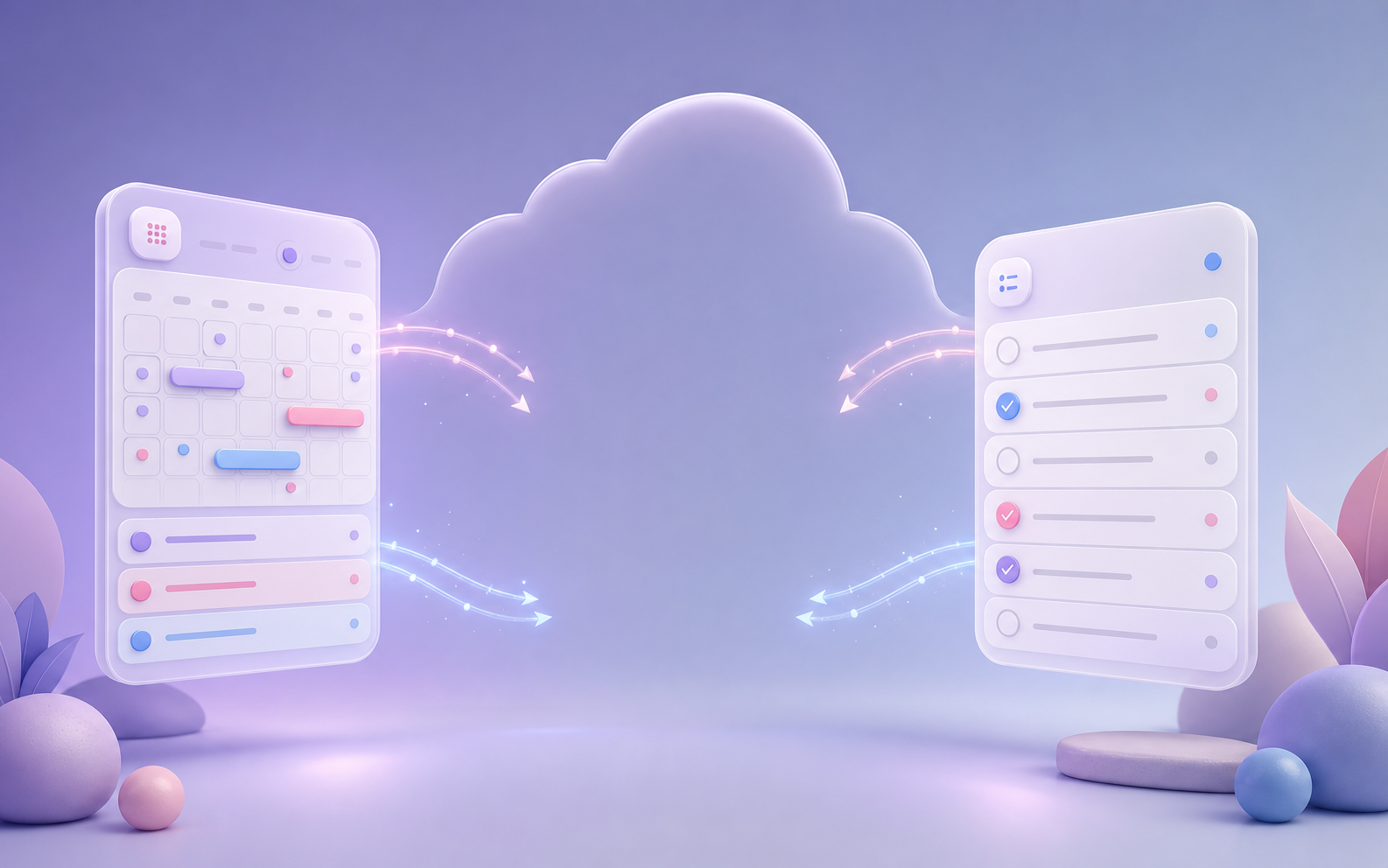
Your Apple data, as is
Plandy never locks your data away. It syncs through iCloud, so you always see the same events and reminders as the built-in apps.
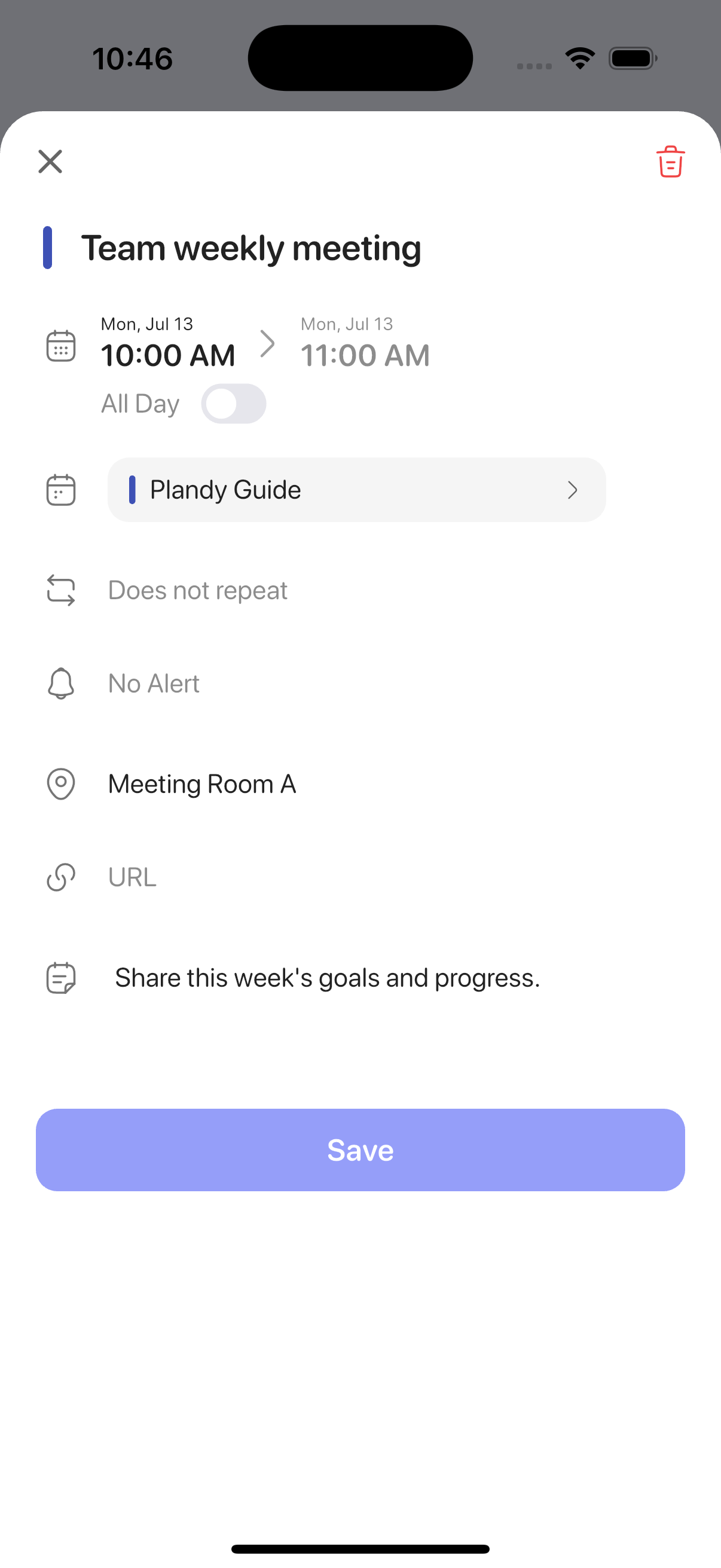
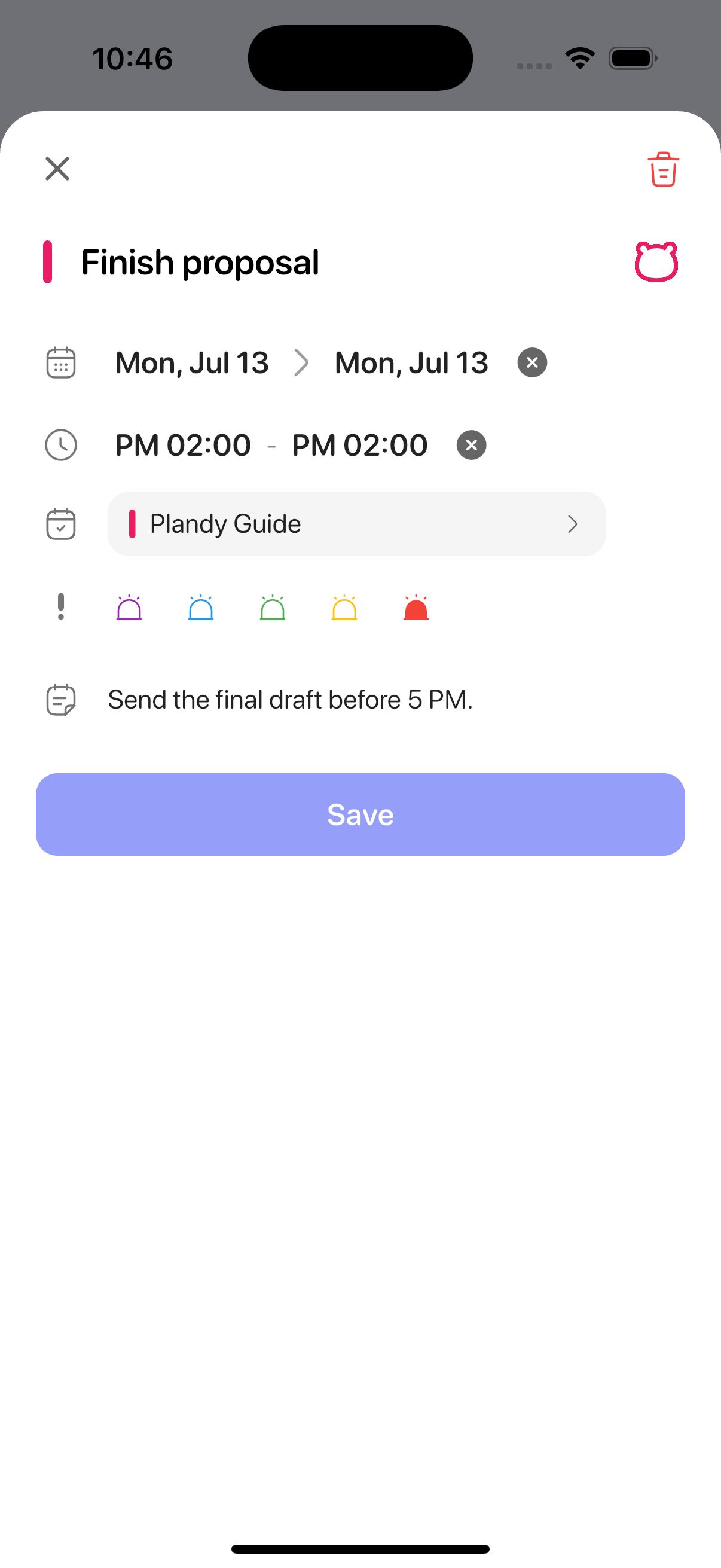
Event & reminder details
Set times, calendars and lists, priority, location, and notes from one focused screen.
Switch your view
Jump between day, week, and month — and pick the view you see when you open the app.
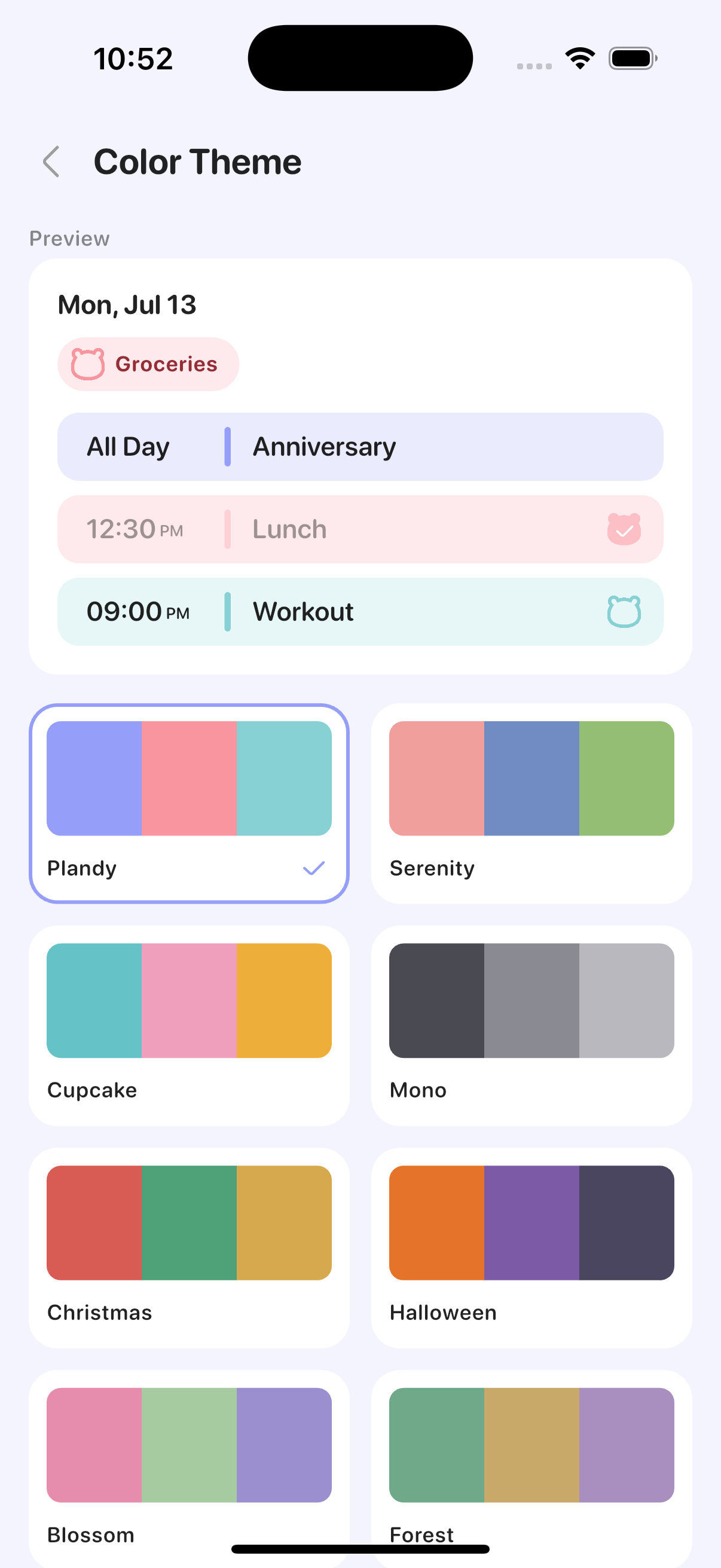
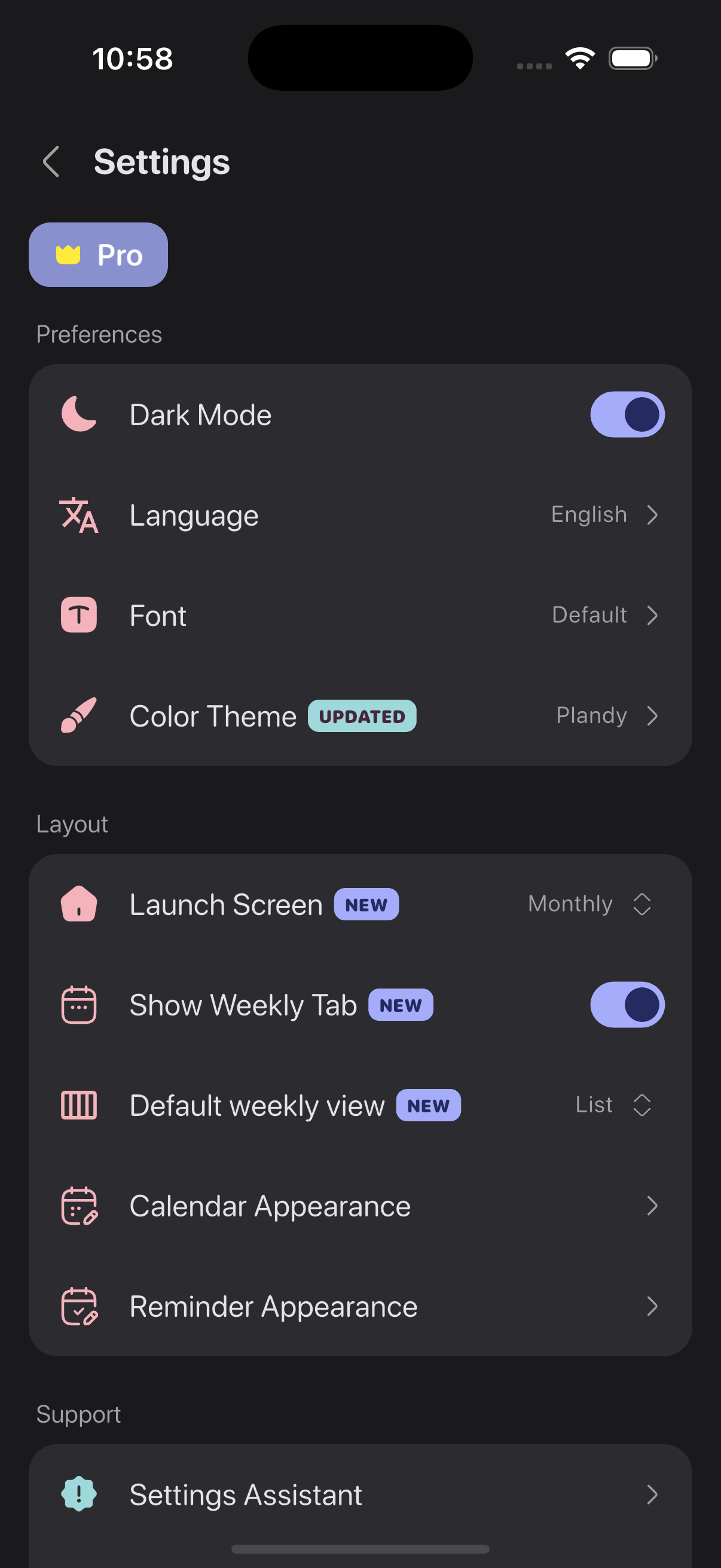
Themes & dark mode
Choose color themes, dark mode, and fonts, and customize how calendars and reminders appear.
Made for people who...
Have a question?
The core features are free. Adding and editing reminders and viewing your existing calendar events are free to use.
Some features, like adding and editing calendar events, plus ad removal come with a Pro subscription. If you only want to turn off ads, you can choose Remove Ads separately.
Plandy doesn't store your data on its own servers. It connects directly to your iPhone's built-in Calendar and Reminders and uses the same data, and Apple handles syncing across your devices through iCloud.
That means anything you create in Plandy also appears in Apple's built-in apps.
Plandy is currently an iOS-only app. Because it's built on iCloud sync with Apple Calendar and Reminders, it runs on iPhone and iPad.
There is no Android or web version.